
A useful CRM pipeline tells your team what has happened, what needs to happen next, and who owns that next step. If a stage called “Interested” can mean anything from a downloaded guide to an approved proposal, the report will be hard to trust.
Start by defining a small set of observable milestones. Give each stage an entry rule, an exit rule, and an owner. Then test those rules against real sales situations before adding automation.
For a consulting practice, IT services firm, or another professional-service business, this turns the pipeline into a shared working process. It also gives your lead generation system a clear destination: an inquiry becomes a record someone can act on, rather than another notification in an inbox.
Separate the person from the potential engagement
Before naming stages, decide what one record represents. A contact is a person. An opportunity is a possible engagement with your firm. One company may involve several people, and one person may be connected to more than one engagement over time.
That distinction matters when you count pipeline. Three people discussing the same consulting project should not automatically become three deals with the full project value attached to each. Equally, a returning client asking about a genuinely separate service may need a new opportunity.
HighLevel’s guide to pipelines and opportunities distinguishes contacts, opportunities, pipelines, and stages. The exact setup depends on your platform, but the operating question stays the same: what potential piece of work are we tracking?
Write that definition down first. For example: “One opportunity represents one potential engagement with a defined service need and buying decision.” Adapt it when your sales process needs a different level of detail.
Give every stage four clear rules
A stage name is only a label until the team agrees on the evidence behind it. For each stage, document:
- Entry evidence: What must be true before the opportunity belongs here?
- Next action: What should the team do while it is here?
- Exit evidence: What observable change allows it to move forward?
- Ownership: Who is responsible, and who covers when that person is unavailable?
“We sent an email” describes an activity. “The prospect agreed to a discovery meeting” describes a change in the buying process. Your CRM can record both, but they answer different questions.
Salesforce’s pipeline management guidance also emphasizes matching stages to the sales process and defining measurable exit criteria. The practical benefit is consistency: two team members looking at the same evidence should reach the same stage decision.
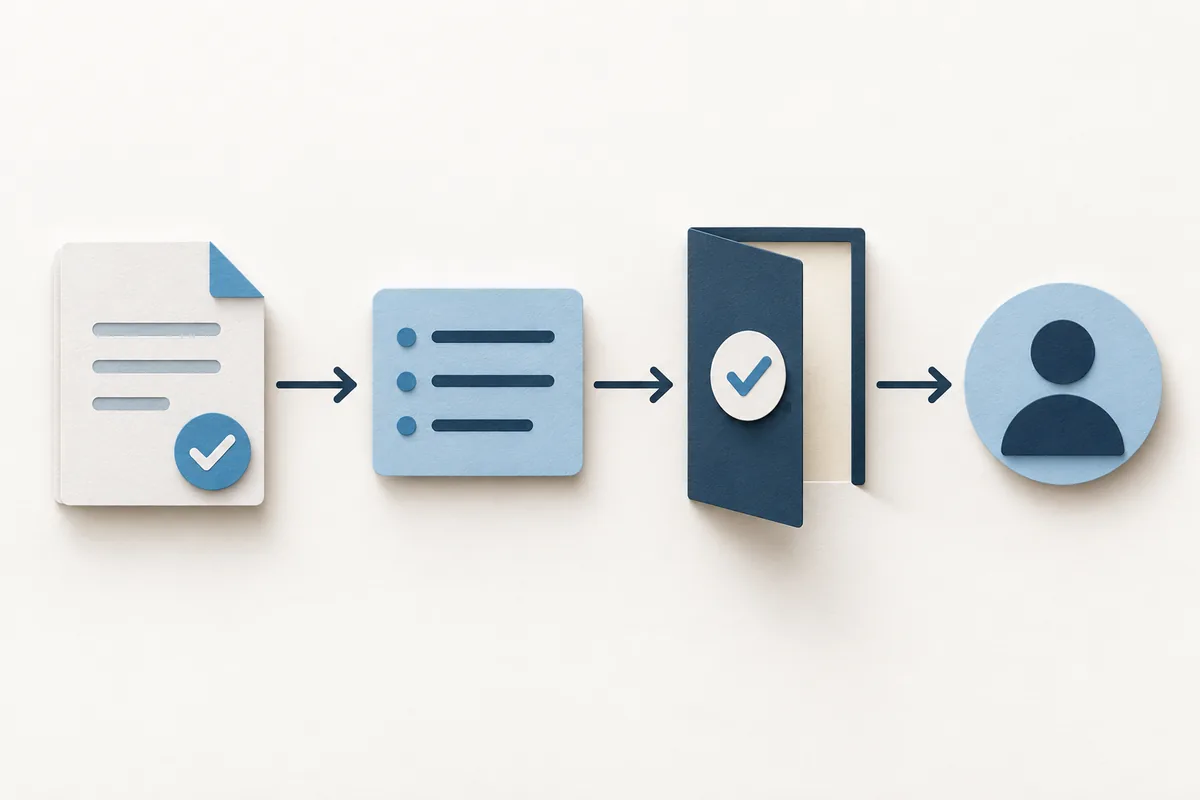
A starting pipeline for professional services
The following is an example to adapt, not a required sequence or a performance benchmark. A simple service with one decision-maker may need fewer stages. A complex engagement may need a separate scope-validation step. Keep a stage only if it changes the next action, ownership, or reporting decision.
1. New inquiry
Entry: A person has made a genuine inquiry about a service. The inquiry has been captured and assigned for review.
Next action: Check whether the request is relevant, identify the service need, and make the appropriate first response. Keep obvious spam and supplier pitches outside the active sales pipeline.
Exit: The team has reviewed the inquiry and recorded its disposition. A relevant inquiry with a next step can move forward. A clearly unsuitable request should receive an appropriate closed or disqualified outcome.
Owner: The intake owner or a named fallback. “Someone will pick it up” is not an assignment.
2. Contact in progress
Entry: The inquiry appears relevant, and an owner is working to establish a two-way conversation.
Next action: Answer the initial question, clarify the need, and offer a suitable next step. Record the last meaningful contact and the next action date.
Exit: The prospect agrees to a discovery conversation, provides enough information for a different next step, declines, or reaches your documented close-out condition.
Owner: The person responsible for the conversation. Automated receipt confirmation can help acknowledge an inquiry, but it should not be treated as a completed human conversation.
3. Discovery scheduled
Entry: The prospect and the firm have agreed on a meeting time or an equivalent discovery step.
Next action: Confirm the purpose, identify the right participants, and request only the preparation needed for a useful conversation.
Exit: The discovery step has actually happened and its outcome is recorded. A calendar booking alone does not establish fit or buying intent.
Owner: The meeting owner, with a clear process for cancellations and no-shows.
4. Qualified opportunity
Entry: Discovery has established a relevant problem, a plausible service fit, and an agreed next step. The team understands the buying process well enough to decide that pursuing the engagement makes sense.
Next action: Clarify scope, constraints, decision participants, and timing. Record unanswered questions explicitly instead of treating missing information as a positive answer.
Exit: There is enough shared understanding to prepare a useful proposal or move to the next required evaluation step.
Owner: The person accountable for developing the opportunity. Qualification should reflect the firm’s real services and capacity, rather than a universal score copied from another business.
5. Proposal under review
Entry: A proposal has been delivered to the appropriate people, with a clear review step or decision path.
Next action: Resolve questions about scope, responsibilities, commercial terms, and implementation. Keep the proposal version and next agreed action visible.
Exit: The buyer accepts, declines, requests a material revision, or explicitly pauses the decision. Use your firm’s documented acceptance requirements before marking a deal won.
Owner: The opportunity owner. Where a specialist helps with scope, make that supporting responsibility clear without leaving overall ownership ambiguous.
6. Won or closed
Define “won” using the evidence your firm requires, such as an executed agreement and any other required approval. A positive conversation or an email saying “this looks good” may not meet that rule.
For closed opportunities, record the outcome accurately: unsuitable scope, timing, a confirmed competitor decision, no decision, or another relevant reason. If you do not know why the opportunity ended, use “unknown” rather than making up an explanation.
A won opportunity also needs a delivery handoff. Identify who will receive the scope, commitments, contact roles, and onboarding tasks. Keep pipeline value separate from booked, billed, or recognized revenue in your reporting.
Handle paused opportunities without inflating the active pipeline
“Follow up later” needs a reason and a date. Otherwise, it becomes a place to store deals nobody wants to close.
Suppose a prospect says the project cannot proceed until a leadership decision next quarter. That is different from a prospect who has stopped responding and has not confirmed any future interest. Record those situations differently.
- Confirmed pause: Record the reason, the agreed return date, and the owner.
- No response: Use a finite follow-up process and a documented close-out rule.
- Not a fit: Close with a factual reason instead of leaving the record in an active stage.
- Explicit decline: Respect the decision and any communication preferences.
Depending on the CRM, you might represent these outcomes through statuses, a separate view, fields, or a carefully designed stage. Avoid adding a new pipeline column for every possible exception. Choose a structure the team can explain and maintain.

Add fields that make the next action possible
The stage tells you where an opportunity stands. A few supporting fields explain what to do about it.
- Service need: The engagement being considered, in clear business terms
- Owner: The accountable person and any relevant backup
- Next action and date: A concrete task rather than “follow up” with no context
- Stage-entry date: The point at which the current stage began
- Source context: The known origin of the inquiry, without inventing attribution
- Outcome reason: Why the opportunity was won, closed, or paused, where known
Keep information proportionate to the work. A sales pipeline usually does not need sensitive personal details or a full confidential client brief. Store only what the team needs and apply appropriate access controls.
Do not assign precise win probabilities simply because the CRM has a field for them. If you use weighted pipeline, document how the probabilities were chosen and check them against your own mature historical opportunities. An estimate should remain visibly an estimate.
Test the rules before automating movement
Choose a small sample that includes an ordinary inquiry, a repeat contact, a no-show, a paused decision, a lost opportunity, and a won engagement. Ask two team members to classify each record independently.
Where they disagree, fix the rule before fixing the software. If one person calls a booked call “qualified” and another waits until discovery is complete, your qualification rate will depend on who updated the record.
Next, test automation with synthetic records in a safe setup. A form submission might create an inquiry and assign an owner. A booking might update a meeting field or stage. Those actions still need exception handling.
- Does a repeat submission create a duplicate engagement?
- Can a booking move an opportunity backward after a proposal is already under review?
- Does a cancellation or no-show trigger the correct owner task?
- Do automated follow-ups stop after a reply, booking, decline, or opt-out, as intended?
- What happens when the assigned owner is unavailable?
Confirm the supported behavior in your chosen CRM before enabling a live workflow. DM Digital’s CRM and automation approach connects stage design, routing, follow-up, and reporting so these choices can be considered together.
Review stage movement with enough context to make a decision
A working pipeline review can begin with three questions: which opportunities have no next action, which have stayed in a stage longer than expected, and which changed outcome since the last review?
Use your own process to decide what “longer than expected” means. A procurement-heavy engagement and a small fixed-scope service may have very different decision cycles.
When comparing conversion between stages, define the group and time window. Newly created opportunities have had less time to progress than older ones. Keep open outcomes visible so a recent campaign does not appear to fail merely because its buyers are still evaluating.
The goal is a useful decision. You might need a clearer discovery process, more relevant proof, a better handoff, or a correction to tracking. A stage report cannot determine the cause on its own, but it can show the team where to investigate.
Frequently asked questions
How many stages should a professional-service firm use?
Use the smallest set that captures meaningful changes in your actual sales process. Add a stage when it changes ownership, the required next action, or an important reporting decision. Remove stages that differ only in wording.
Should every contact become an opportunity?
No. A contact record can exist without an active buying process. Define which inquiries qualify for pipeline entry, and keep subscribers, suppliers, existing contacts, and genuine potential engagements distinguishable.
Should automation decide whether a lead is qualified?
Automation can route records and apply clearly defined rules. For complex services, a person often needs to assess the need, scope, and decision process. Keep unknown information visible and make it easy to review exceptions.
Can these stages work in HighLevel?
HighLevel supports customizable pipelines and opportunities. Use its current documentation to confirm configuration details, then adapt the stage names and rules to your firm’s process. Do not assume a generic template includes your required exceptions.
Start with the rules your team will actually use
Choose one core service, write the entry and exit rules, and test them against recent opportunities. Once the definitions are clear, connect the forms, routing, follow-up, and reporting around them.
If your website is generating inquiries but the next steps are difficult to track, book a strategy call with DM Digital to discuss how your pipeline and lead-handling process fit into the wider growth system.